
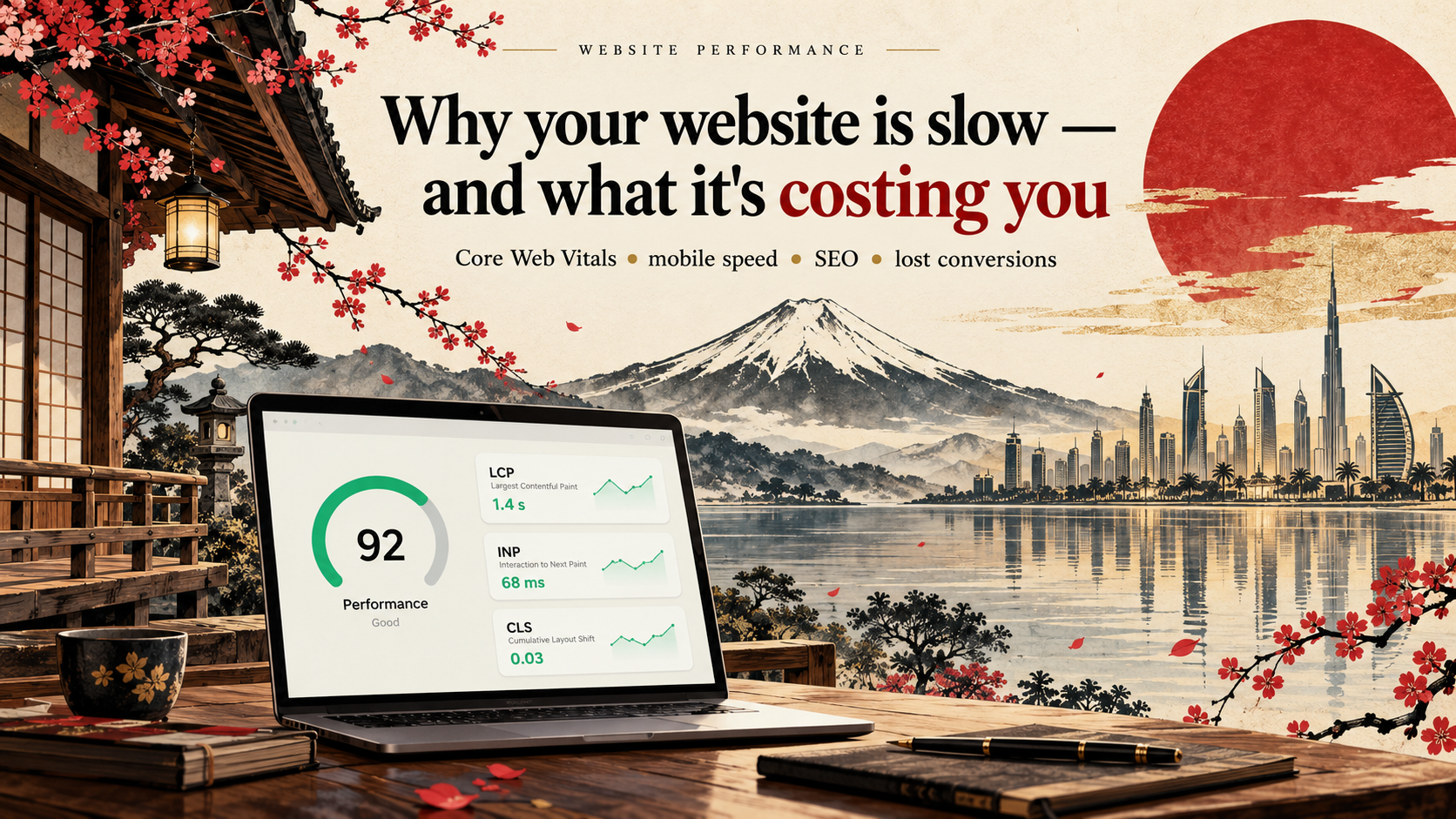
Why Your Website Is Slow and What It Is Costing You
Your website loads.
Technically, everything works.
So why worry about a few extra seconds?
Because your customer experiences those seconds very differently from your development team.
A slow website creates friction before the user has even read your offer.
And on mobile, where connections, devices and network conditions vary, performance problems become even more noticeable.
Website speed affects more than a PageSpeed score.
It can affect user experience, conversion, advertising efficiency and search visibility.
Start With Core Web Vitals
Google currently focuses on three Core Web Vitals:
Largest Contentful Paint
LCP measures loading performance roughly, how quickly the primary visible content becomes available.
Google's “good” target is:
2.5 seconds or less.
Interaction to Next Paint
INP measures responsiveness after a visitor interacts with your page.
The “good” target is:
200 milliseconds or less.
Cumulative Layout Shift
CLS measures unexpected visual movement.
The “good” target is:
0.1 or less.
Google recommends evaluating these metrics around the 75th percentile of real page visits rather than judging performance from one unusually fast test.
Does Website Speed Affect SEO?
Yes, but the explanation matters.
Google says Core Web Vitals are used by its ranking systems and recommends achieving good results.
However, Google also explicitly says there is no single “page experience signal” and that excellent performance scores do not guarantee top rankings. Relevance and content still matter enormously.
So:
Fast website + weak content ≠ automatic rankings.
But when multiple pages provide similarly useful answers, better user experience can contribute to search success.
Google also indexes primarily using the mobile version of your website, making mobile experience particularly important.
What Is Actually Making Your Website Slow?
1. Huge images
Uploading a 5 MB hero image and displaying it at 800 pixels wide wastes bandwidth.
Modern image formats, responsive sizing and sensible compression can dramatically reduce the amount of data the browser needs.
2. Hero videos
A beautiful autoplay video may also be one of the heaviest elements on the page.
Ask whether the visual impact is worth the performance cost particularly on mobile.
3. Too Much JavaScript
Chat widgets.
Tracking tools.
Animations.
Popups.
Heatmaps.
Advertising scripts.
A/B testing platforms.
Every script seems small when added individually.
Together, they can create a heavy page that takes too long to become responsive.
4. Too Many Plugins
This is particularly common on WordPress websites.
Plugins are not inherently bad.
The problem is adding several overlapping tools that each load their own JavaScript, CSS, database queries and external requests.
5. Slow Hosting
You cannot optimize the front end forever if the server takes too long to produce the page.
Hosting quality, server configuration, database performance and caching all matter.
6. No Effective Caching
If the server rebuilds the same page repeatedly when it could serve a cached version, users wait unnecessarily.
WordPress's own performance documentation identifies caching as a major optimization strategy for reducing processing work.
7. Third-Party Services
Sometimes the slowest code on your website is not yours.
Examples include:
- Advertising tags
- CRM widgets
- Live chat
- Maps
- Review widgets
- Social embeds
- Tracking platforms
Audit them.
Do not keep a third-party script simply because someone installed it two years ago.
8. Poor Font Loading
A website with six font families and twelve weights may look impressive in a design file.
It may be unnecessary on the web.
Fonts should be selected and loaded intentionally.
9. Layout Shifts
Have you ever tried to tap a button just before it moved?
That is exactly the type of instability CLS measures.
Common causes include images without reserved dimensions, dynamically injected banners, advertisements and fonts that alter layout after loading.
What Is a Slow Website Actually Costing You?
Lost conversions
Speed creates friction in every stage of a funnel.
A well-known Deloitte study published in 2020 analyzed mobile experiences across 37 brands and observed that a 0.1-second speed improvement correlated with an 8.4% increase in retail conversion and 10.1% in travel conversion.
Those numbers should not be treated as a universal promise for every website, but they demonstrate how commercially meaningful relatively small performance improvements can be.
More expensive advertising
Imagine paying for every click through Google, Meta, LinkedIn or TikTok.
A visitor clicks.
Then waits.
Then leaves before seeing the offer.
You paid for the traffic.
The website wasted it.
That makes performance part of advertising optimization too.
Lower engagement
A slow site makes every interaction harder:
- Fewer pages viewed
- Fewer products explored
- Fewer forms started
- Fewer calls to action reached
Search visibility
Core Web Vitals are part of Google's ranking systems, although they are not a substitute for relevant, useful content.
Brand perception
Users do not normally diagnose the technical reason for a slow website.
They simply experience the company as slow.
For a premium, technology, financial or professional brand, that perception matters.
How Should You Measure Performance?
Do not rely on a single test.
Use a combination of:
- PageSpeed Insights
- Google Search Console
- Chrome DevTools
- Lighthouse
- Chrome User Experience data
- Real-user monitoring where appropriate
Laboratory tests help diagnose issues.
Real-user data tells you what customers are actually experiencing.
What Should You Fix First?
Do not begin by trying to turn every PageSpeed score into 100.
Start with business-critical pages:
- 01Homepage
- 02Main service pages
- 03Landing pages used for advertising
- 04Product and category pages
- 05Cart and checkout
- 06Lead-generation forms
Then investigate the largest bottlenecks.
Typical priorities include:
- Compressing and resizing images
- Improving LCP content
- Reducing unnecessary JavaScript
- Removing unused third-party tools
- Configuring caching
- Using a CDN
- Improving server response
- Optimizing fonts
- Preventing layout shifts
- Lazy-loading non-critical media
Final Thought
Website performance is not a technical trophy.
The goal is not:
“Our PageSpeed score is 100.”
The goal is:
“Customers can reach our content, understand our offer and take action without the website getting in their way.”
That is what speed optimization is really about.